Configure service providers with Keycloak
You will need to configure Keycloak for future work with various service providers. For successful integration with NoPass™, you should use those service providers that support SAML or OpenID. However, before configuring a service provider, it is necessary to configure both Keycloak and a service provider.
Before you begin
- Download the Keycloak metadata at https://<KeycloakURL>/auth/realms/<Realm>/protocol/saml/descriptor.
Procedure
- Extract the IdP signing certificate within the Keycloak metadata.
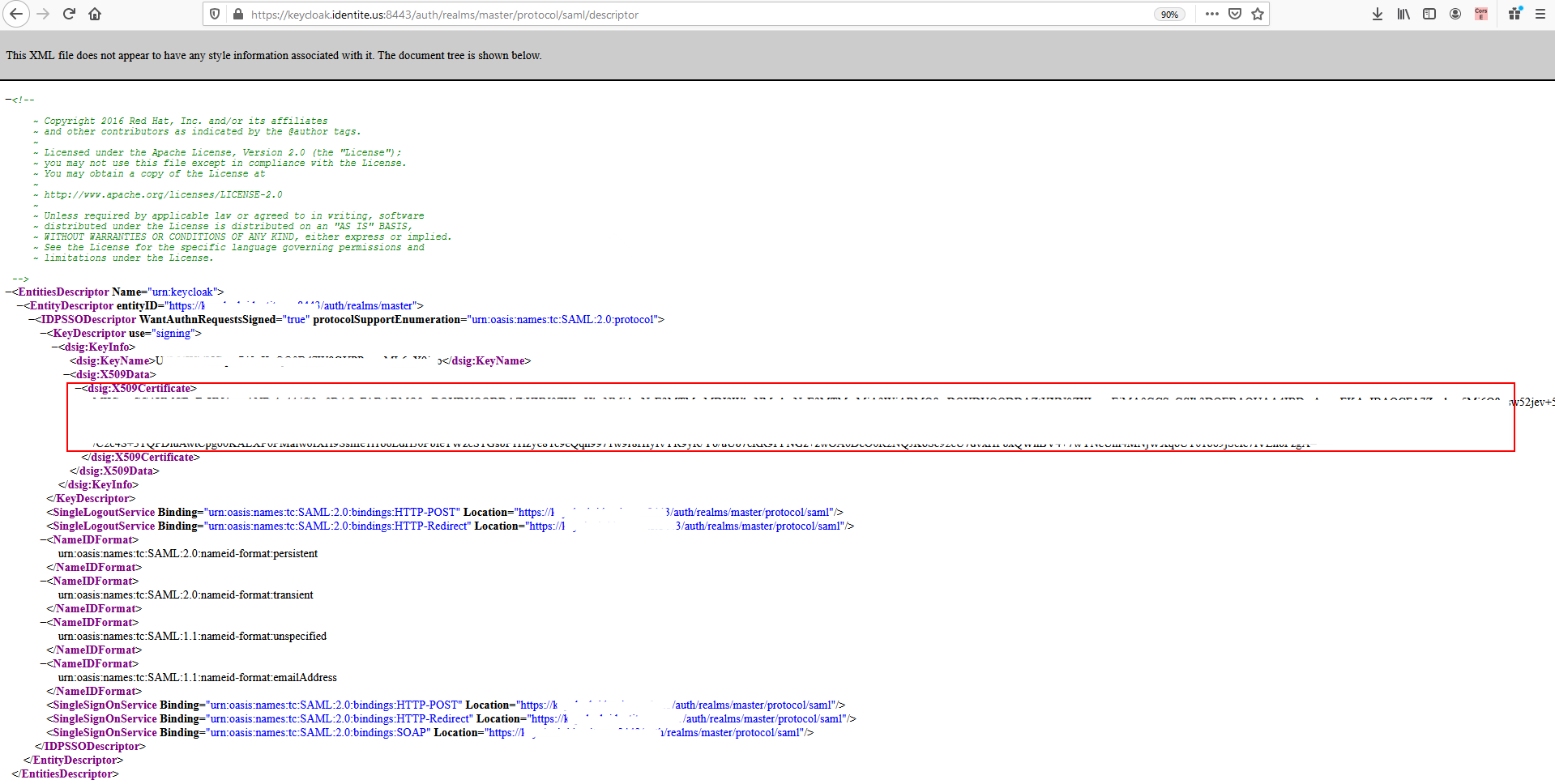
- Copy the dsig: X509Certificate value to any text editor and save it as a .crt file. The certificate will contain the following three lines:
-----BEGIN CERTIFICATE-----
  {Certificate}
  -----END CERTIFICATE-----